 Back to Blog
How to Use Calendly to Automate Your Sales Process from Start to Finish (2025)
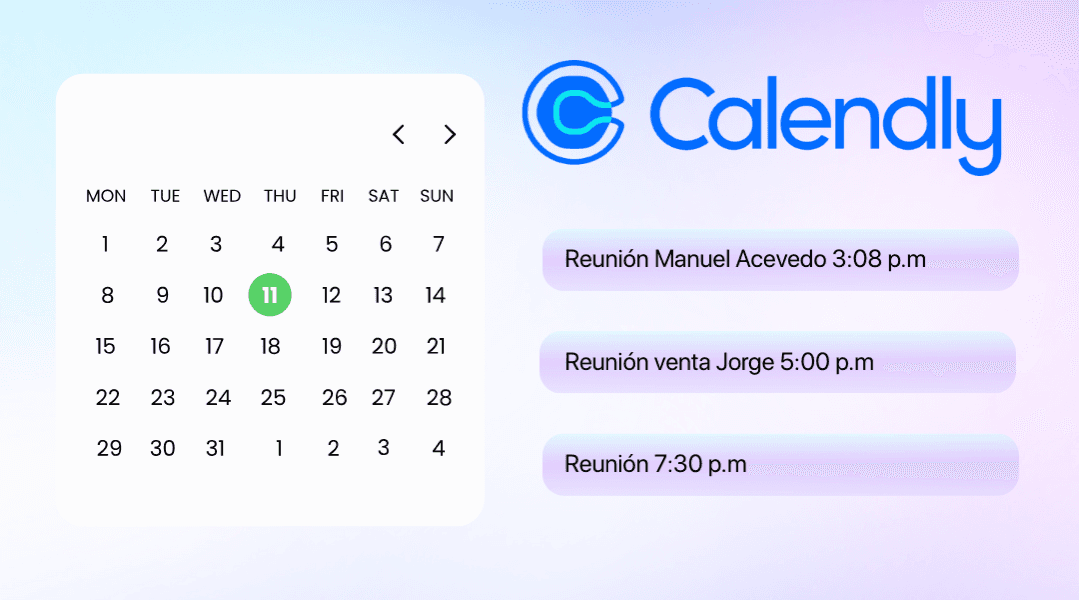
Turn your appointments into real sales without manual messaging, scheduling confusion, and without wasting valuable time.
Most businesses that sell 1-to-1, coaches, real estate agents, insurance agents, consultants, dentists, B2B sellers, lose sales for a simple reason:
They don't have an automatic, clear, and frictionless scheduling process.
In 2025, continuing to schedule appointments manually via WhatsApp is no longer an option. Customers expect immediacy, clarity, and an effortless experience.
This is where Calendly becomes an indispensable tool.
In this guide, you'll learn how to use Calendly to automate your entire sales process, from announcement to final meeting, using bots, CRM, smart reminders, and fully automated flows.
1. The Perfect Funnel: Ad → Bot → Calendar → Appointment → Sale
This is the exact flow that high-performing businesses use in 2025.
1. Ad (Meta Ads or Google Ads)
Your process starts with an ad that invites the user to send a message or request information.
Examples:
- "Schedule your free consultation"
- "Talk to a specialist"
- "Request a custom quote"
Objective: to start the conversation.
2. Automatic Bot (WhatsApp, Messenger or Instagram)
Here the bot fulfills three key functions:
A) Capture attention in seconds
The user receives an immediate response.
B) Asks qualifying questions
For example:
- What service are you looking for?
- What city do you live in?
- What's your budget?
- When would you like to schedule?
C) Present the option to schedule an appointment
And here Calendly arrives.
3. Calendar (Calendly → instant scheduling)
Once the bot identifies that the lead is valid, it shows you:
- ✔ Available Calendar
- ✔ Actual schedules synced with your schedule
- ✔ Event type (call, Zoom, consulting, demo)
The user chooses the time, confirms, and you're done.
4. Appointment (Zoom, Google Meet or WhatsApp)
Calendly automatically syncs and generates:
- Event on the client's calendar
- Event on your calendar
- Meeting link
- Reminders
- Confirmation by mail or SMS
5. Sale (follow-up + closing)
With the prospect qualified, informed and ready, the probability of closing increases between 30% and 70%.
2. Automatic reminders: the key to reducing no-shows
The #1 reason people don't go on a date is simple:
They forget it.
Calendly reduces these absences by up to 70% using:
1. Email reminders
At recommended times:
- 24 hours before
- 3 hours before
- 15 minutes before
2. SMS reminders (optional)
If you're using Twilio or an integration:
- Much more effective for emergencies
- Very high aperture (98%)
3. WhatsApp reminders
Ideal with ManyChat or Kommo.
Example:
"Hello! 😊 We remind you that your meeting is today at 4:00 PM. Here is the link: {link}. See you soon!"
4. Internal reminders for you or your team
To never miss a key appointment.
3. Smart confirmations: how to prepare your prospect so that they arrive ready for the appointment
An appointment without preparation can be a missed appointment.
Calendly allows you to automate commitments such as:
1. Welcome message when scheduling
Example:
"Thank you for scheduling. In this call you will receive X, Y and Z."
2. Send pre-documents
- Informative PDF
- Frequently asked questions
- Brochure or prices
- Mini video
This prepares the prospect before the meeting.
3. Pre-qualification forms
Optional within Calendly.
Example:
- "What's your budget?"
- "What goal do you want to achieve?"
This allows your team to arrive more prepared.
4. Automatic final confirmation
A message like this:
"Your appointment is confirmed! Here is the meeting link. We are waiting for you."
4. Automatic rescheduling
If someone didn't confirm, Calendly can send an automated message:
"If you can't attend, here you can reschedule in one click."
Conclusion
Calendly is much more than just a scheduler: It's an automated sales machine when you integrate it correctly with:
- Chatbots
- CRM
- Reminders
- Smart confirmations
- Automatic tracking
If your business relies on appointments, consulting, or 1-on-1 sales, using Calendly in your funnel can increase your closings by 30% to 70% without hiring more staff.